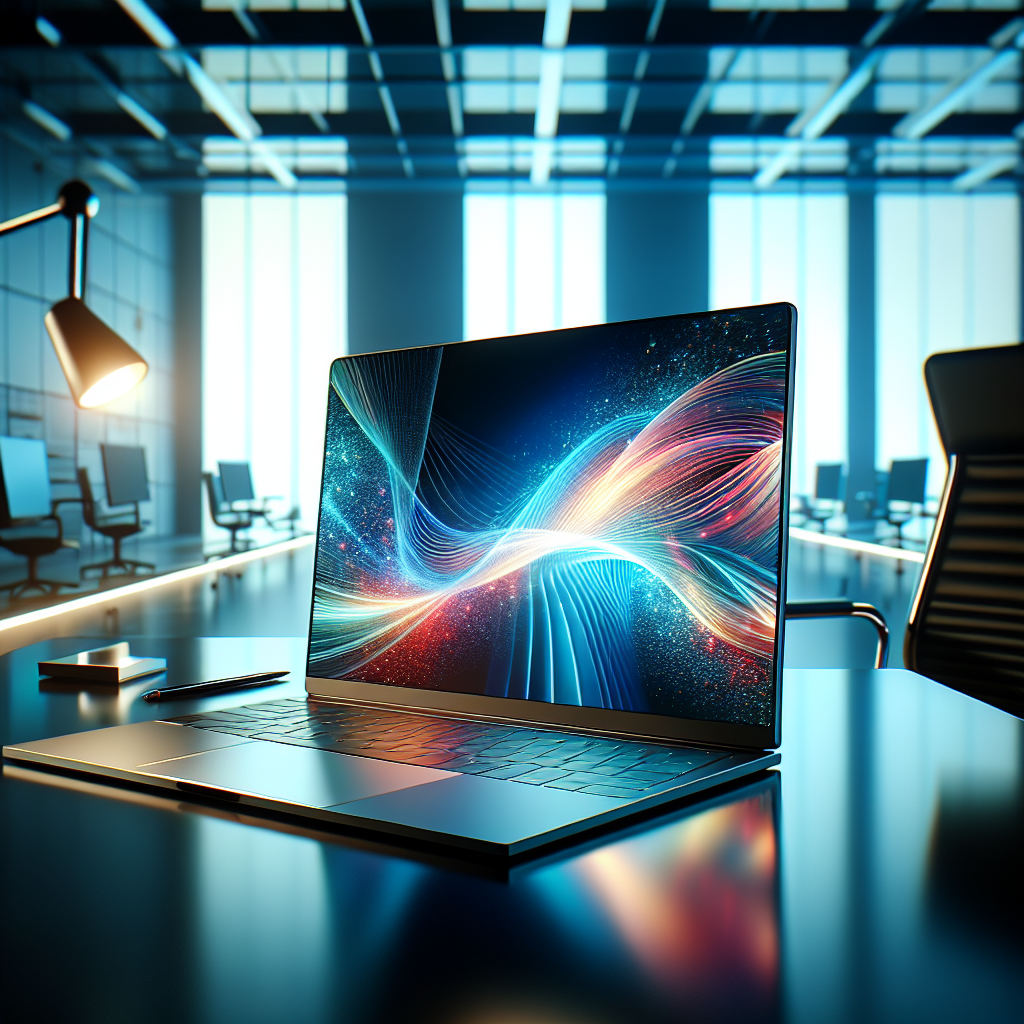
High-Quality Laptop Screen Replacement
Revitalize your laptop with our premium laptop screen replacement. Experience enhanced visuals with vibrant colors and sharp clarity, perfect for both productivity and entertainment. Easy to install, this laptop screen ensures seamless integration with various laptop models.
₹10
Product Details
Enhance your laptop's viewing experience with our high-quality laptop screen that delivers crisp images and vibrant colors. Ideal for boosting productivity and enjoyment, this screen is compatible with various models. Purchase from C O A2Z COMPUTERS S O RAM KAMAL SINGH ALDEMAU NOORPUR and elevate your device to its full potential.
Features & Benefits
- Crisp, clear display
- Vibrant colors and sharp images
- Easy installation process
- Compatible with multiple models
- Improved productivity and entertainment
How to Use
Ensure the laptop is powered off. Remove the battery and back cover. Disconnect the old screen carefully. Connect the new screen. Replace the back cover and battery. Power on your laptop.
Laptop screen sizes typically range from 13 to 17 inches, depending on the model and brand. It's best to check your specific laptop specifications for the ideal size.
For most laptops, you can take a screenshot by pressing the 'PrtScn' or 'Print Screen' key. Additionally, use 'Alt + PrtScn' to capture a specific window.
The best laptop screen protectors offer high clarity and strong durability. Look for brands with positive reviews and those that fit your laptop model perfectly.
To clean your laptop screen, use a microfiber cloth lightly dampened with a suitable screen cleaner. Avoid using abrasive materials or harsh chemicals that can damage the screen.
Yes, you can replace your laptop screen yourself with the right tools and instructions. Just follow the replacement guide or watch tutorial videos to ensure proper installation.


 Select Date
 08:00 AM - 08:30 AM, Thursday, Nov 24, 2024
 Indian Standard Time
 Shahanab