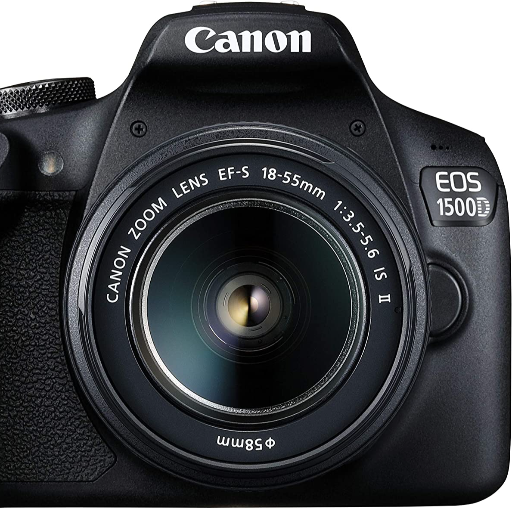
1. Attach the EF-S 18-55mm lens to the camera body securely.
2. Insert a fully charged battery and SD card.
3. Power on the camera using the on/off switch.
4. Choose your shooting mode (Auto, Program, Manual, etc.) based on your preference.
5. Frame your shot through the optical viewfinder or LCD monitor.
6. Press the shutter button halfway to focus, then fully to capture the image.
7. Review and adjust settings as needed for optimal results.
8. Transfer photos wirelessly using the built-in Wi-Fi or NFC connectivity.
Keywords: Canon EOS 1500D, EF-S 18-55mm lens kit, DSLR camera, photography, beginners, image quality, creative control, Wi-Fi connectivity.


 Facebook
 Instagram
 Twitter
 Linkedin
 WhatsApp
 WhatsApp
