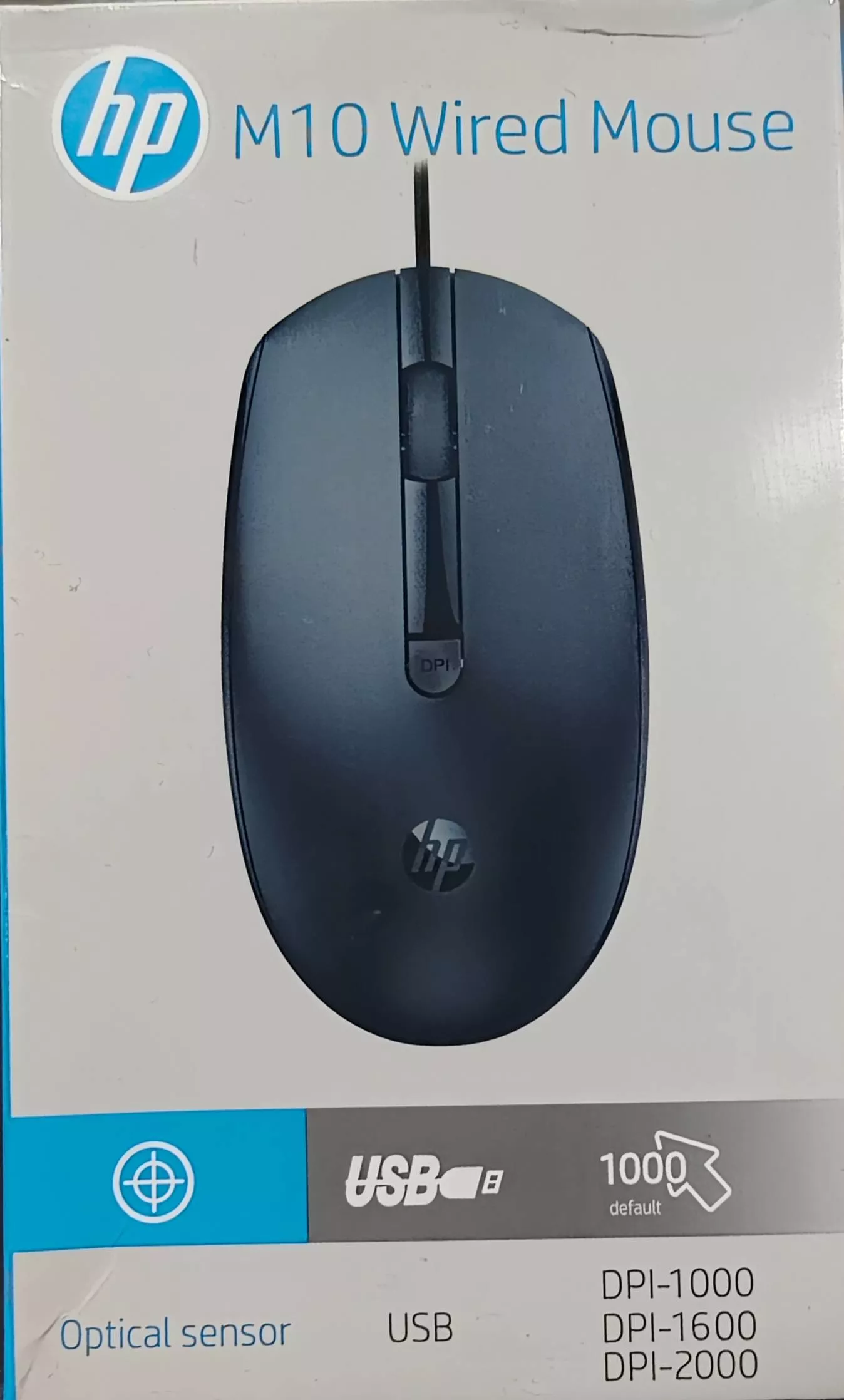
HP Mouse - Precise Navigation and Comfort
Experience seamless navigation with the HP M10 wired mouse. Designed for comfort whether you're working or gaming, it is a must-have accessory. With its sleek design and accurate optical sensor, enjoy precision and reliability for effortless control in any application.
₹299
Product Details
The HP M10 wired mouse offers seamless navigation and comfort for all your computing needs. Its ergonomic design ensures a comfortable grip during work or play. Whether you are at the office or at home, this mouse helps you navigate efficiently. You can find this reliable accessory at Hariom Printer Com Naugachia Zeromile Near Mahindra Tractor Showroom. Enhance your desktop experience today!
Features & Benefits
- Ergonomic design for comfort
- Seamless optical sensor performance
- Durable build for longevity
- Plug-and-play simplicity
- Ideal for work and gaming
How to Use
Connect the HP M10 to a USB port. Ensure it is securely plugged in. The mouse will automatically be recognized by your system. Adjust settings as needed through your computer’s control panel. Enjoy smooth navigation as you work or play!
First, check if it’s properly connected. Try unplugging and replugging the USB. If it still doesn’t work, test it on a different computer. If problems persist, consider contacting HP support.
Yes, the HP M10 wired mouse is compatible with laptops that have a USB port. Simply plug it in and start using it immediately.
While primarily designed for office use, the HP M10 mouse can be used for casual gaming. Its optical sensor provides decent tracking for most games.
To clean the HP mouse, unplug it and use a soft, damp cloth to wipe the exterior. Avoid excessive moisture. For the sensor, use a soft brush to clear any dirt.
No, the HP M10 is a plug-and-play device. It does not require additional drivers to function on most operating systems.


 Select Date
 08:00 AM - 08:30 AM, Thursday, Nov 24, 2024
 Indian Standard Time
 Shahanab