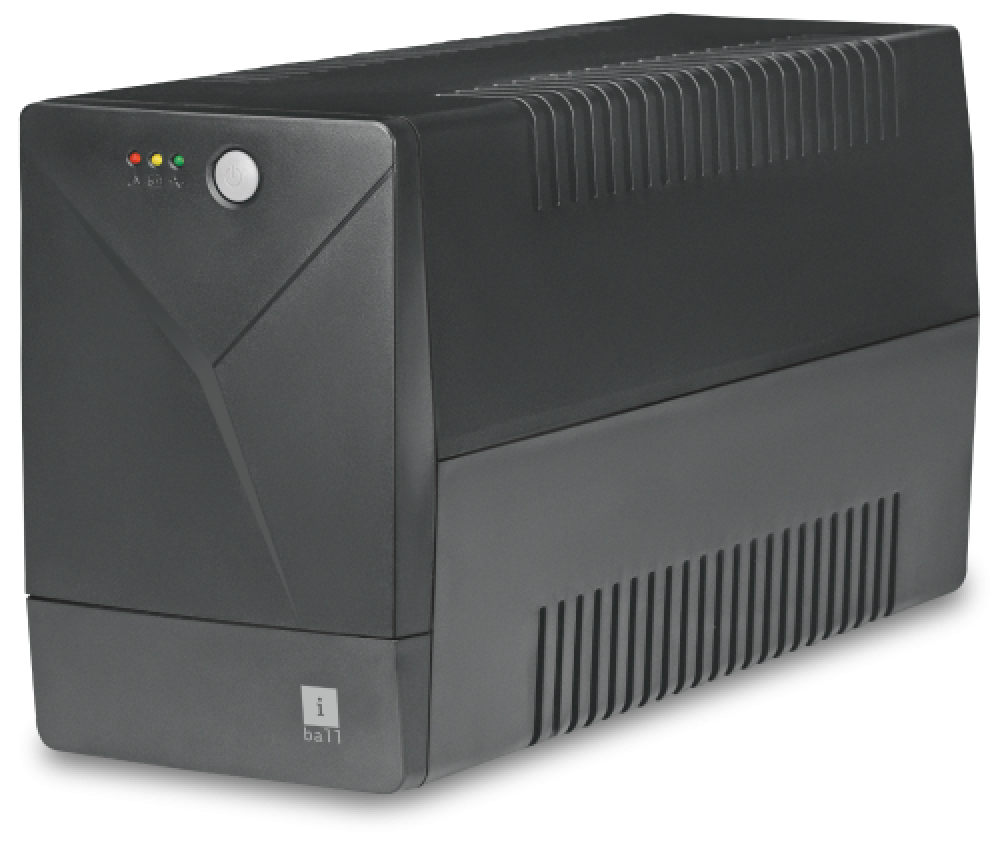
IBall Nirantar 660 UPS Power Backup
The iBall Nirantar 660 UPS offers reliable power backup solutions, ideal for any home or office. Equipped with multifunction LED indicators and alarm notifications ensuring uninterrupted performance and true peace of mind during power outages.
From ₹2,300
₹0
0% OFF
Product Details
iBall Nirantar 660 UPS is your perfect solution for reliable power backup in JABALPUR. With multifunction LED indications, it signals charging and various modes effectively. The beeping alarm notifies you during backup mode, ensuring you are aware of power status. This robust UPS is designed to keep your devices safe and operating smoothly.
Features & Benefits
- Multifunction LED indicators for easy status reading
- Beeping alarm for power backup notifications
- Compact design for efficient space utilization
- High-performance battery for longer usage
- Reliable power supply during outages
How to Use
Position the UPS safely near power sources. Connect your devices to the output sockets. Switch on the UPS and wait for the LED indicators to signal readiness. Check for any alarms before using your equipment.
First, check all power connections and ensure they are secure. If it still doesn't work, try resetting the UPS or consult the manual for troubleshooting steps. If the issue persists, service may be required.
To replace the battery, unplug the UPS and open the casing carefully. Remove the old battery, note the connections, and install the new battery by reversing the process. Ensure connections are firm and secure.
You can buy iBall UPS Nirantar models online through various e-commerce platforms or at local electronics retailers. Always check for authentic sellers for warranty and service assurance.
Common issues include battery failure, incorrect configurations, and charging problems. Regular maintenance and checking the battery health can help prevent these problems.
Begin by checking power connections and LED indicators. Confirm the device is plugged into a functional outlet. If malfunction persists, refer to the user manual or seek professional assistance for complex issues.


 Select Date