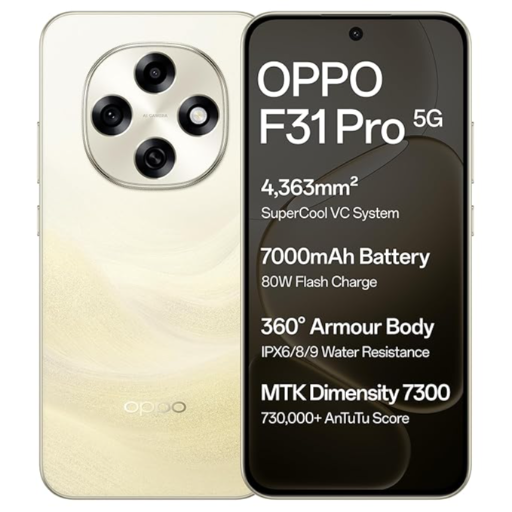
1. To power on the Oppo F31 Pro 5G, press and hold the power button located on the side of the device.
2. Follow the on-screen instructions to set up your smartphone for the first time.
3. Customize your home screen by arranging apps and widgets to your liking.
4. Use the high-quality camera to capture stunning photos and videos.
5. Make use of the 5G connectivity for high-speed internet browsing and streaming.
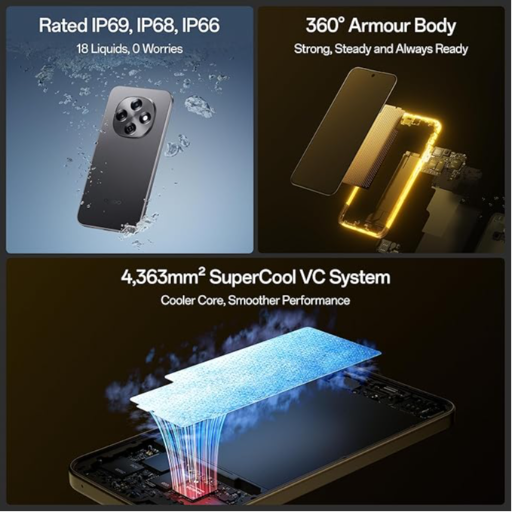
6. To prolong battery life, adjust settings such as brightness and background processes.
7. Regularly update the software and applications for optimal performance.
Keywords: Oppo F31 Pro 5G, Desert Gold, 8GB RAM, 128GB Storage, smartphone, 5G connectivity, high-quality camera.



 Facebook
 Instagram
 Twitter
 Linkedin
 WhatsApp
 WhatsApp
