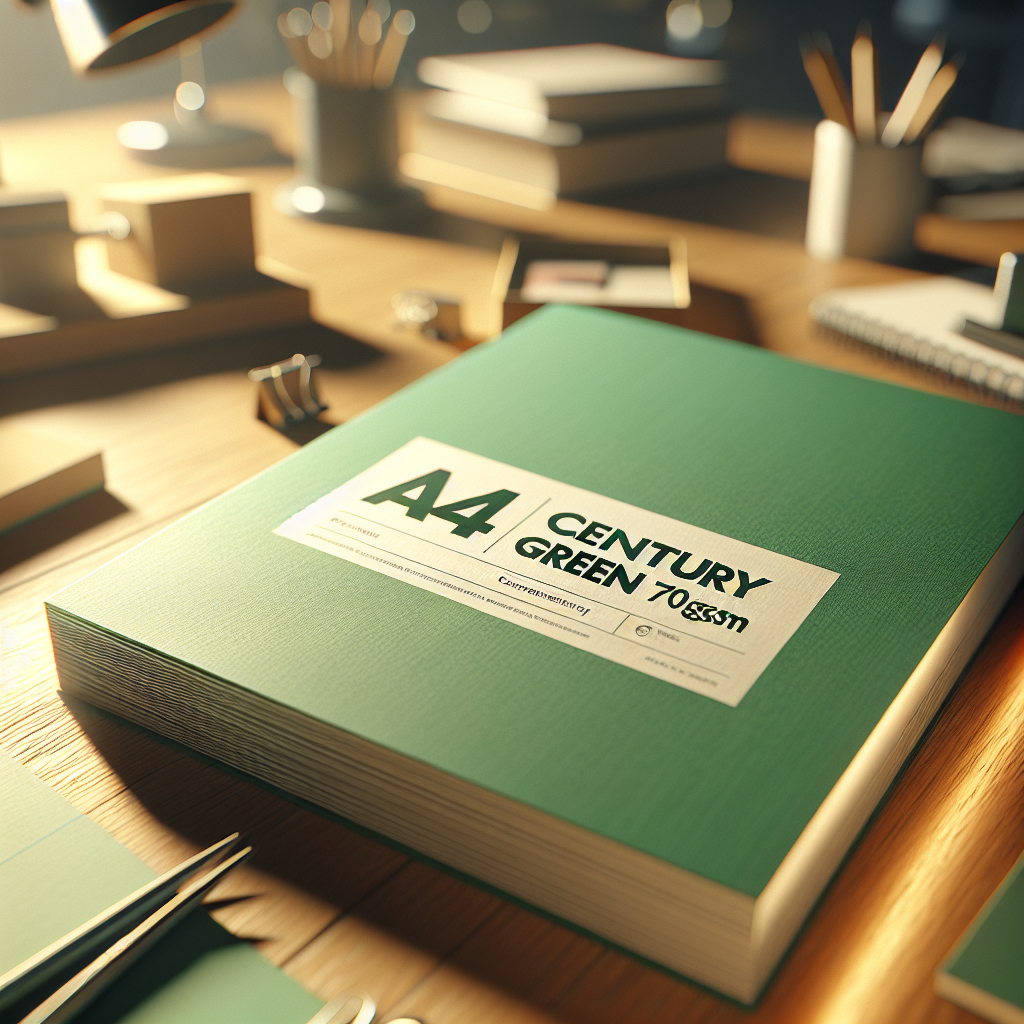
A4 century green 70gsm
Upgrade your printing experience with the A4 Century Green 70gsm paper, offering exceptional quality and eco-friendly benefits for all your needs.
₹300
Product Details
The A4 Century Green 70gsm paper is designed to elevate your printing projects with its premium quality and sustainable features. Made from 100% recycled materials, this paper is both environmentally friendly and high-performing. Perfect for all ages and printing requirements, this paper ensures crisp and clear results every time. Whether you're printing documents, presentations, or creative projects, the A4 Century Green 70gsm paper delivers outstanding results that exceed expectations. Say goodbye to flimsy, low-quality paper and experience the difference with this top-notch option.
Features & Benefits
- Size: A4
- Weight: 70gsm
- Material: 100% recycled paper
- Eco-friendly and sustainable
- Compatible with all printers
- Crisp and clear printing results
- Eco-friendly choice: Made from 100% recycled materials, reducing your carbon footprint.
- Exceptional quality: Ensures sharp and vibrant printing results for all your projects.
- Versatile: Suitable for all printing needs, from documents to creative designs.
- Reliable performance: Smooth and consistent printing experience every time.
- Weight: 70gsm
- Material: 100% recycled paper
- Eco-friendly and sustainable
- Compatible with all printers
- Crisp and clear printing results
- Eco-friendly choice: Made from 100% recycled materials, reducing your carbon footprint.
- Exceptional quality: Ensures sharp and vibrant printing results for all your projects.
- Versatile: Suitable for all printing needs, from documents to creative designs.
- Reliable performance: Smooth and consistent printing experience every time.
How to Use
1. Load the A4 Century Green 70gsm paper into your printer tray.
2. Adjust the printer settings to the desired print quality.
3. Print your documents, presentations, or projects onto the paper.
4. Handle with care to avoid creasing or damaging the paper.
5. Store in a cool, dry place to maintain optimal quality.
6. Dispose of used paper responsibly to support sustainability efforts.
Keywords: A4 Century Green 70gsm, eco-friendly paper, recycled materials, printing quality, sustainable printing.
2. Adjust the printer settings to the desired print quality.
3. Print your documents, presentations, or projects onto the paper.
4. Handle with care to avoid creasing or damaging the paper.
5. Store in a cool, dry place to maintain optimal quality.
6. Dispose of used paper responsibly to support sustainability efforts.
Keywords: A4 Century Green 70gsm, eco-friendly paper, recycled materials, printing quality, sustainable printing.


 Select Date
 08:00 AM - 08:30 AM, Thursday, Nov 24, 2024
 Indian Standard Time
 Shahanab