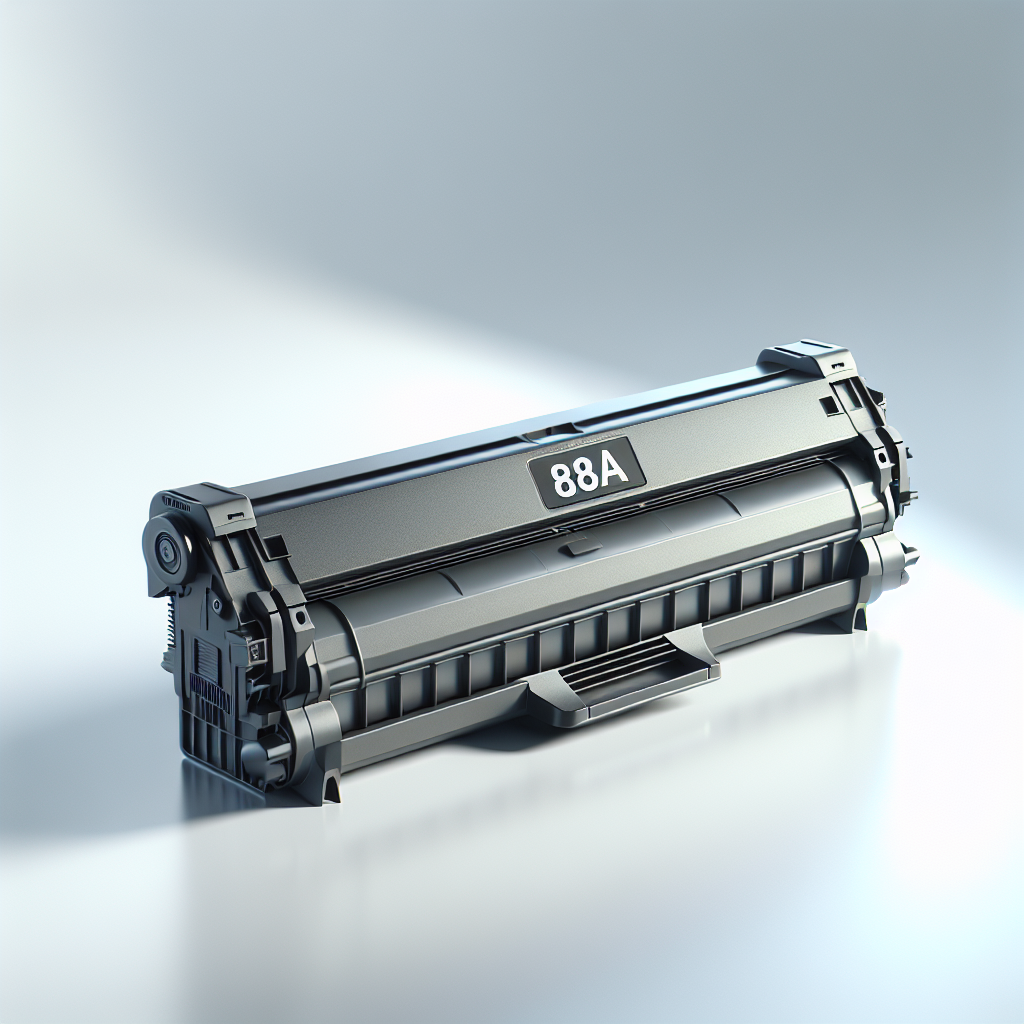
88A Toner Cartridge in Alandi
The 88A Toner Cartridge from Jinisha Enterprises in Alandi is a reliable, high-capacity toner compatible with various HP printers, ensuring professional-quality prints.
The 88A Toner Cartridge provides high-capacity, professional-quality prints compatible with various HP printers. Available for just ₹450 at Jinisha Enterprises in Alandi, ensure your printing needs are met with reliability and efficiency.
Jinisha Enterprises, located in Alandi, Maharashtra, is the best option for those searching for an 88A Toner Cartridge near me. With a commitment to quality and service, they ensure that customers within a 20 km radius can easily access this essential printing solution.
From ₹450
₹0
0% OFF
Product Details
The 88A Toner Cartridge is a high-capacity toner solution that guarantees professional-quality prints for a range of HP printers. This cartridge is designed to deliver consistent performance, making it an ideal choice for both home and office use in Alandi. Buyers looking for reliable printing solutions near me will find this product at Jinisha Enterprises, where they can also receive expert assistance and support.
Features & Benefits
- High-capacity toner for extended use
- Compatible with multiple HP printer models
- Produces professional-quality prints
- Easy installation and maintenance
How to Use
To replace the 88A Toner Cartridge, first, turn off your printer. Open the printer cover, remove the old cartridge, and insert the new toner until it clicks into place. Close the cover and power on the printer.
You can purchase the 88A Toner Cartridge at Jinisha Enterprises located in Alandi, Maharashtra, ensuring easy access for local customers.
The price of the 88A Toner Cartridge at Jinisha Enterprises is ₹450, making it an affordable option for high-quality printing.
To install the 88A Toner Cartridge, turn off the printer, open the cover, replace the old cartridge with the new one, and close the cover.
The 88A Toner Cartridge is compatible with various HP printer models; please check your printer specifications for compatibility.


 Select Date