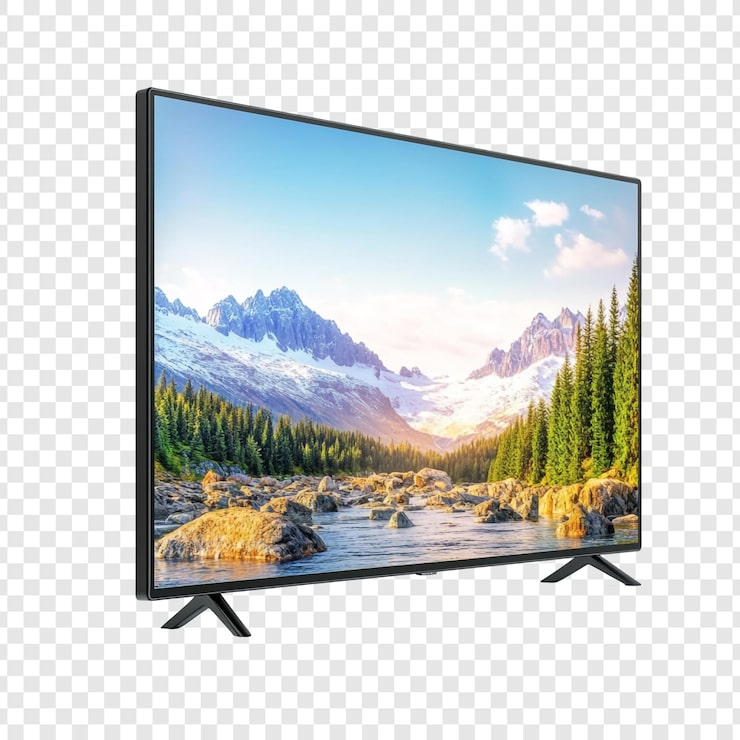
Smart TV in RAJULA - KRISHNA ELECTRONICS
The Smart TV from KRISHNA ELECTRONICS in RAJULA is a cutting-edge television featuring advanced technology and seamless connectivity, providing endless entertainment options for users.
Transform your viewing experience with the Smart TV from KRISHNA ELECTRONICS in RAJULA. Enjoy a world of entertainment options and advanced technology at your fingertips. Perfect for movie nights and gaming, this Smart TV delivers high-quality visuals and seamless connectivity, making it a must-have for every household.
For those searching for the best Smart TV options in RAJULA, KRISHNA ELECTRONICS stands out as the nearest and most reliable choice. Located centrally, this business caters to local residents seeking quality electronics, ensuring a quick and convenient shopping experience within the locality.
Product Details
Features & Benefits
- Advanced streaming options
- High-quality visuals
- User-friendly interface
- Seamless connectivity

 Select Date
 08:00 AM - 08:30 AM, Thursday, Nov 24, 2024
 Indian Standard Time
 Shahanab