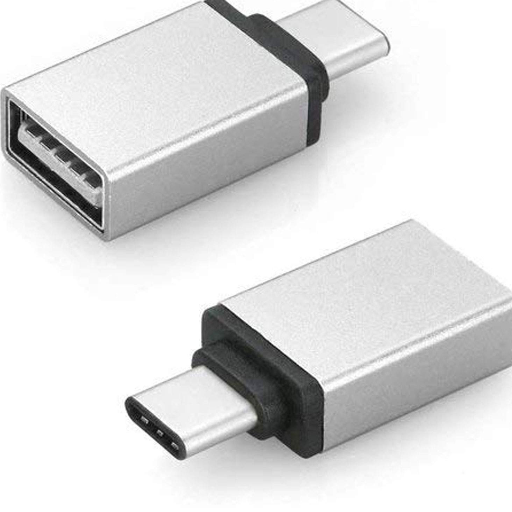
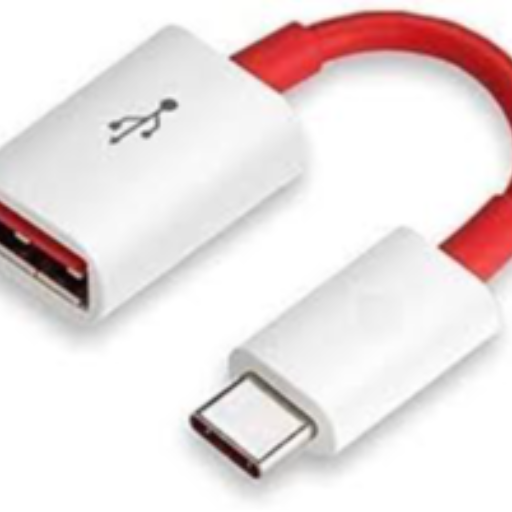
TYPE C OTG in Sitapur
TYPE C OTG from MAA MOBILE AND ELECTRONICS SHOP in Sitapur is a versatile device that enables seamless data transfer and easy file access, priced at ₹35.
The TYPE C OTG from MAA MOBILE AND ELECTRONICS SHOP in Sitapur is essential for enhancing connectivity. Priced at just ₹35, it offers seamless data transfer and easy file access wherever you are.
MAA MOBILE AND ELECTRONICS SHOP is your best option for purchasing a TYPE C OTG in Sitapur. Located conveniently for residents in the area, this shop provides high-quality telecommunications equipment, making it an ideal choice for customers looking for TYPE C OTG near me.
₹35
Product Details
TYPE C OTG is a versatile device that enhances connectivity by providing seamless data transfer and easy file access on-the-go. MAA MOBILE AND ELECTRONICS SHOP in Sitapur offers this essential gadget at an affordable price of ₹35. Ideal for users looking for efficient solutions, this device is perfect for those searching for 'TYPE C OTG near me'. With its compact design, it’s the ideal accessory for modern digital lifestyles.
Features & Benefits
- Seamless data transfer capabilities
- Easy file access on-the-go
- Compatible with various devices
- Compact and portable design
How to Use
To use the TYPE C OTG, simply connect it to your device's USB-C port. Transfer files easily between your mobile device and USB drives for quick access and data management.
TYPE C OTG is available at MAA MOBILE AND ELECTRONICS SHOP in Sitapur, ensuring convenient access for local buyers.
The TYPE C OTG at MAA MOBILE AND ELECTRONICS SHOP is priced at just ₹35, making it an affordable option.
Using TYPE C OTG is simple; connect it to your device's USB-C port for seamless data transfer and file management.
TYPE C OTG is compatible with most devices that support USB-C, enhancing its usability across a range of gadgets.


 Select Date