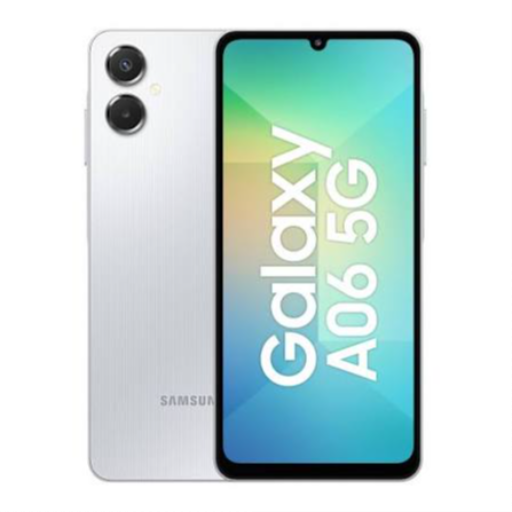
- To power on the Samsung Galaxy A06 5G, press and hold the power button.
- Set up your device by following the on-screen instructions for Wi-Fi, account login, and personalization.
- Explore the camera features and capture stunning photos and videos in various lighting conditions.
- Make use of 5G connectivity for fast internet speeds and smooth browsing.
- Ensure to regularly update the software to enhance performance and security.
- Follow recommended charging practices for optimal battery life and performance.
Keywords: Samsung Galaxy A06 5G, 5G smartphone, powerful performance, quad-camera setup, long-lasting battery, sleek design.


 Facebook
 Instagram
 Twitter
 Linkedin
 WhatsApp
 WhatsApp
