1. Power on the device by pressing and holding the power button located on the side or top of the phone.
2. Set up your device by following the on-screen instructions to activate the phone.
3. Customize your settings, such as display brightness, sound preferences, and security features.
4. Download and install your favorite apps from the app store to personalize your smartphone experience.
5. To capture photos, open the camera app and use the AI enhancements to take stunning pictures.
6. Remember to charge your device regularly to ensure optimal battery performance and longevity.
7. Protect your device and data by setting up the fingerprint sensor for added security.
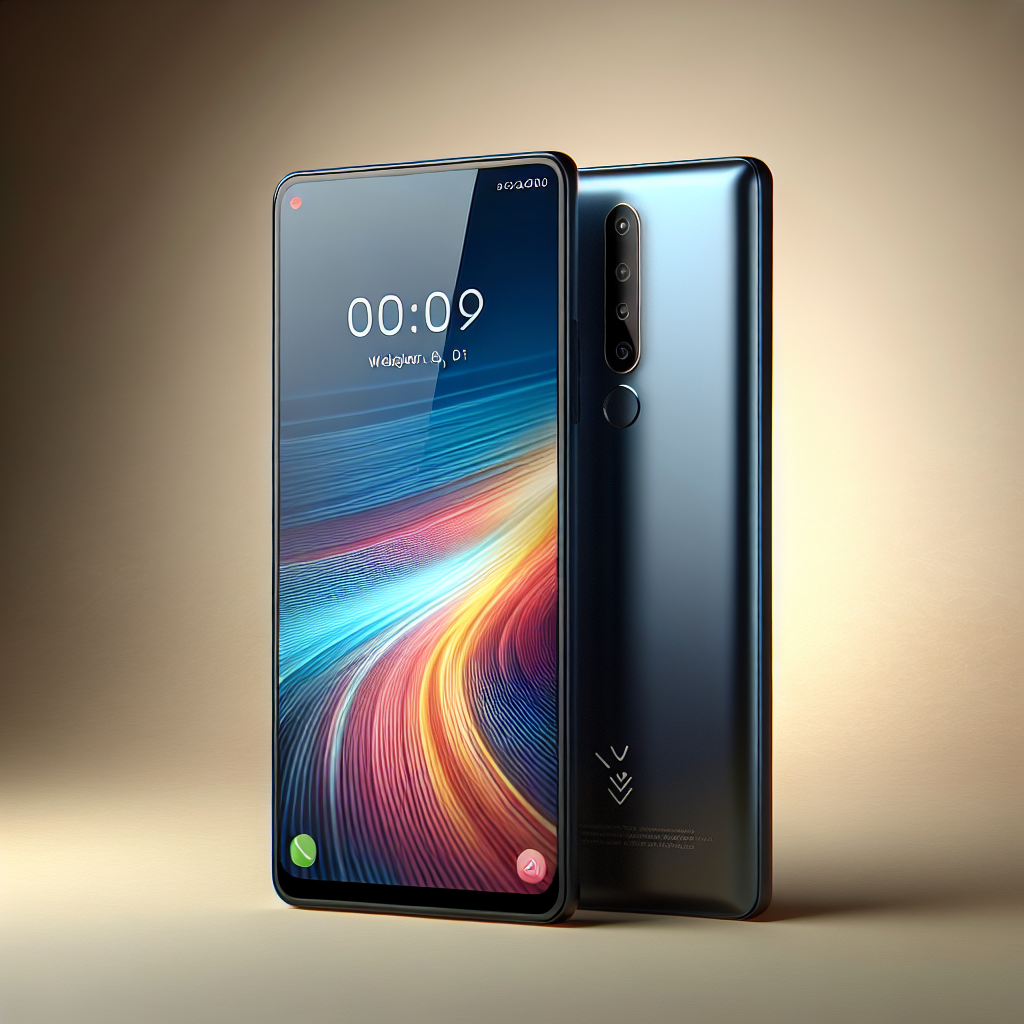
Keywords: Vivo Y400, mobile, smartphone, octa-core processor, high-resolution camera, long-lasting battery, fingerprint sensor, dual SIM.


 Facebook
 Instagram
 Twitter
 Linkedin
 WhatsApp
 WhatsApp
