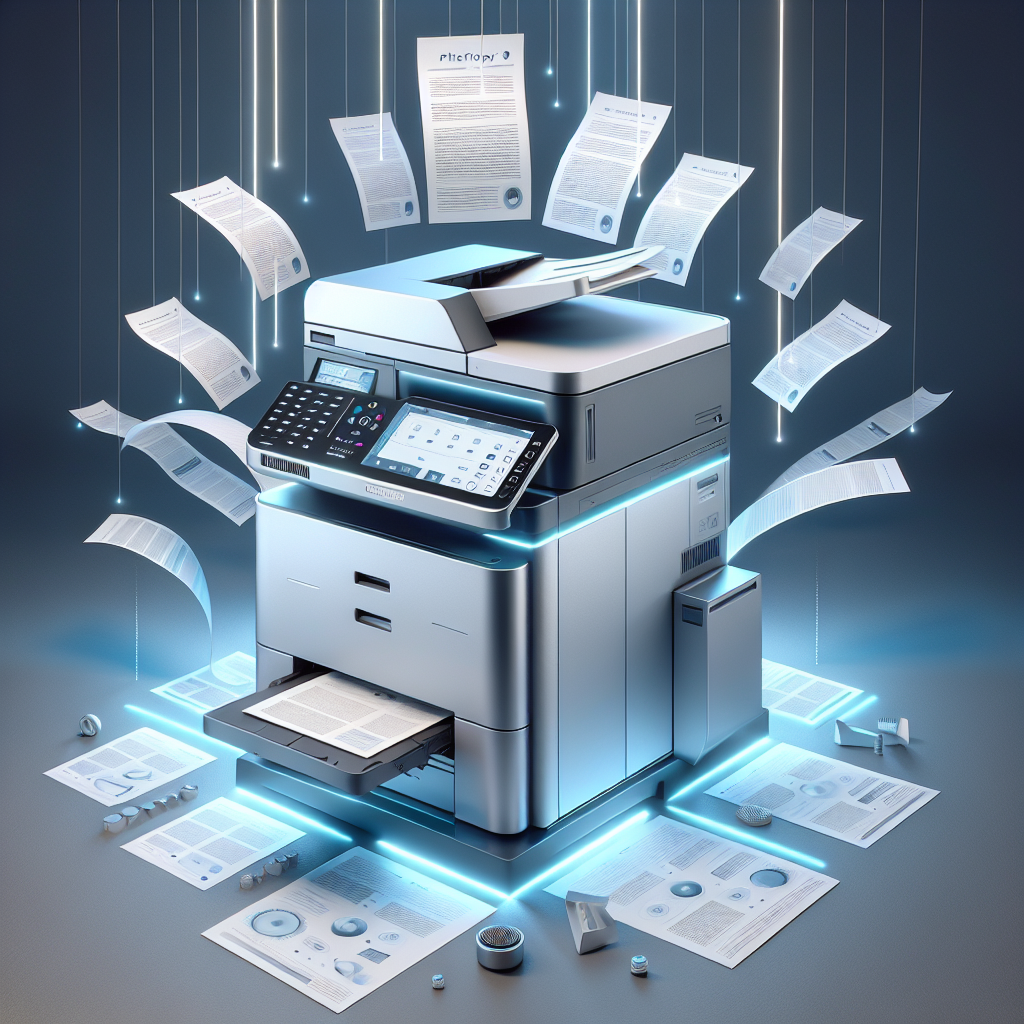
1. Power on PHOTOCOPY and select the desired function (scan, print, copy).
2. Load your document into the designated section (scanner or printer).
3. Adjust settings as needed for optimal results.
4. Press the appropriate button to initiate the task.
5. Retrieve your scanned, printed, or copied document with ease.
6. For best performance, regularly clean and maintain PHOTOCOPY according to the user manual guidelines.
Keywords: all-in-one printer, document management, scanning, printing, copying.


 Facebook
 Instagram
 Twitter
 Linkedin
 WhatsApp
 WhatsApp
