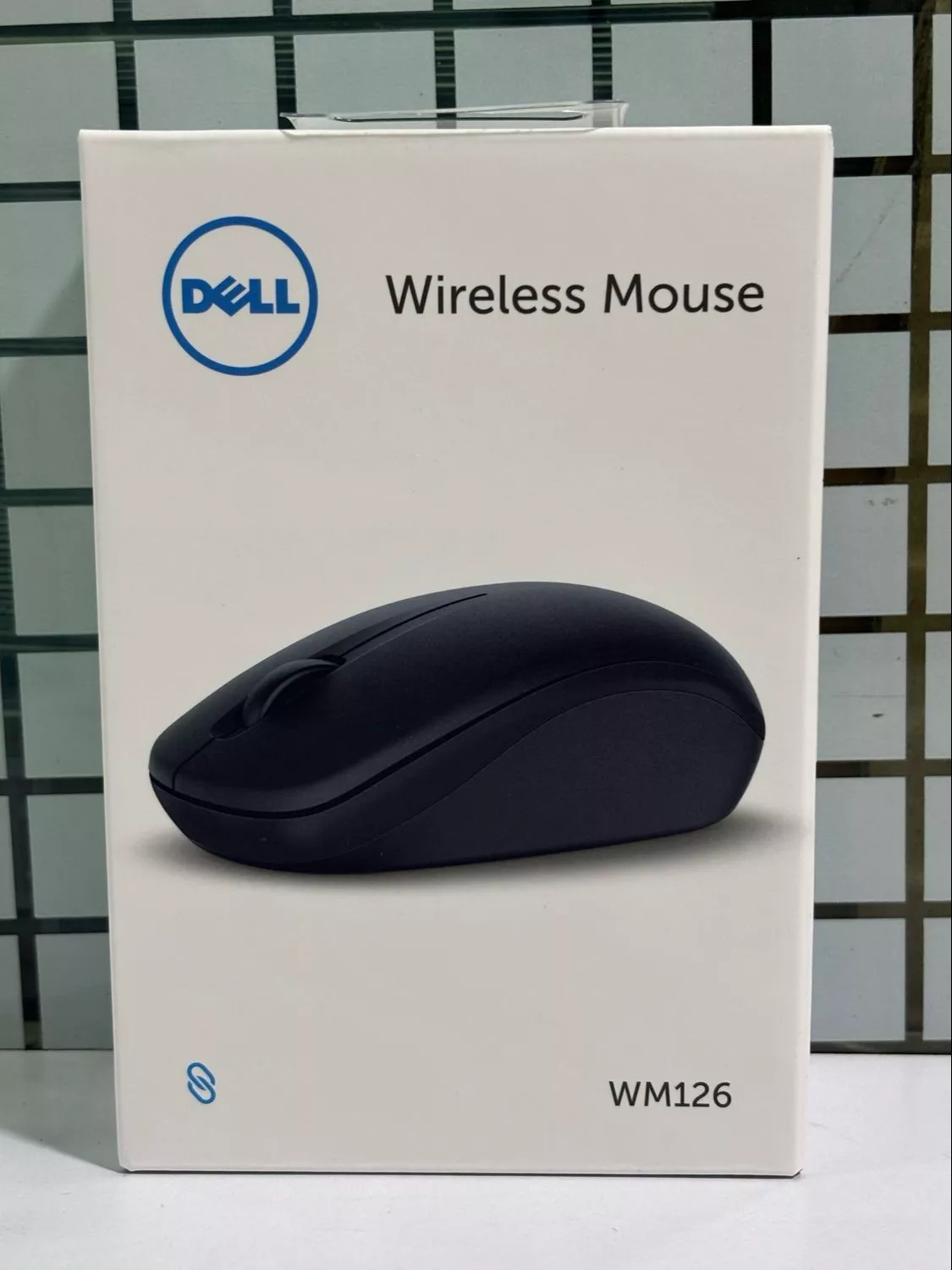
Dell Wireless Mouse - Effortless Navigation
The Dell Wireless Mouse provides effortless navigation with precision performance. With a 3-year warranty, enjoy hassle-free technology that adapts to your needs. Perfect for everyday use, it ensures a responsive experience whether at work or home.
₹999
Product Details
Explore seamless navigation with the Dell Wireless Mouse, designed for high performance and ease of use. Ideal for long hours of work, it features precise tracking and a comfortable grip. Enjoy a hassle-free experience as you work with confidence. Available at DEBIT CARDSINSTAPAY, MAHARASHTRA, this mouse guarantees quality and reliability. Upgrade your productivity and enjoy the benefits of a wireless lifestyle today.
Features & Benefits
- Ergonomic design for comfort
- 3-year warranty for peace of mind
- Responsive tracking for accuracy
- Wireless convenience with no clutter
- Compatible with various devices
How to Use
To use the Dell Wireless Mouse, insert the USB receiver into the laptop. Ensure batteries are installed. Turn on the mouse. Move the cursor as desired to navigate. Adjust settings as needed for sensitivity.
If your Dell wireless mouse is not detected, ensure the USB receiver is properly connected. Check the mouse's batteries and switch it on/off. If problems persist, try connecting to another device.
You cannot directly use the Dell wireless mouse without its USB receiver, as it establishes the connection. Consider a Bluetooth mouse if you need a receiver-free option.
If your Dell wireless mouse is not moving, check that the surface is not too reflective. Ensure the batteries are charged and try reconnecting the USB receiver.
You can purchase the Dell wireless mouse online or visit local tech stores such as DEBIT CARDSINSTAPAY, MAHARASHTRA, for availability. Check for the best deals and specifications.
To connect your Dell wireless mouse, plug the USB receiver into your computer, turn on the mouse, and it should automatically pair. For Bluetooth models, enable Bluetooth on your device.


 Select Date
 08:00 AM - 08:30 AM, Thursday, Nov 24, 2024
 Indian Standard Time
 Shahanab