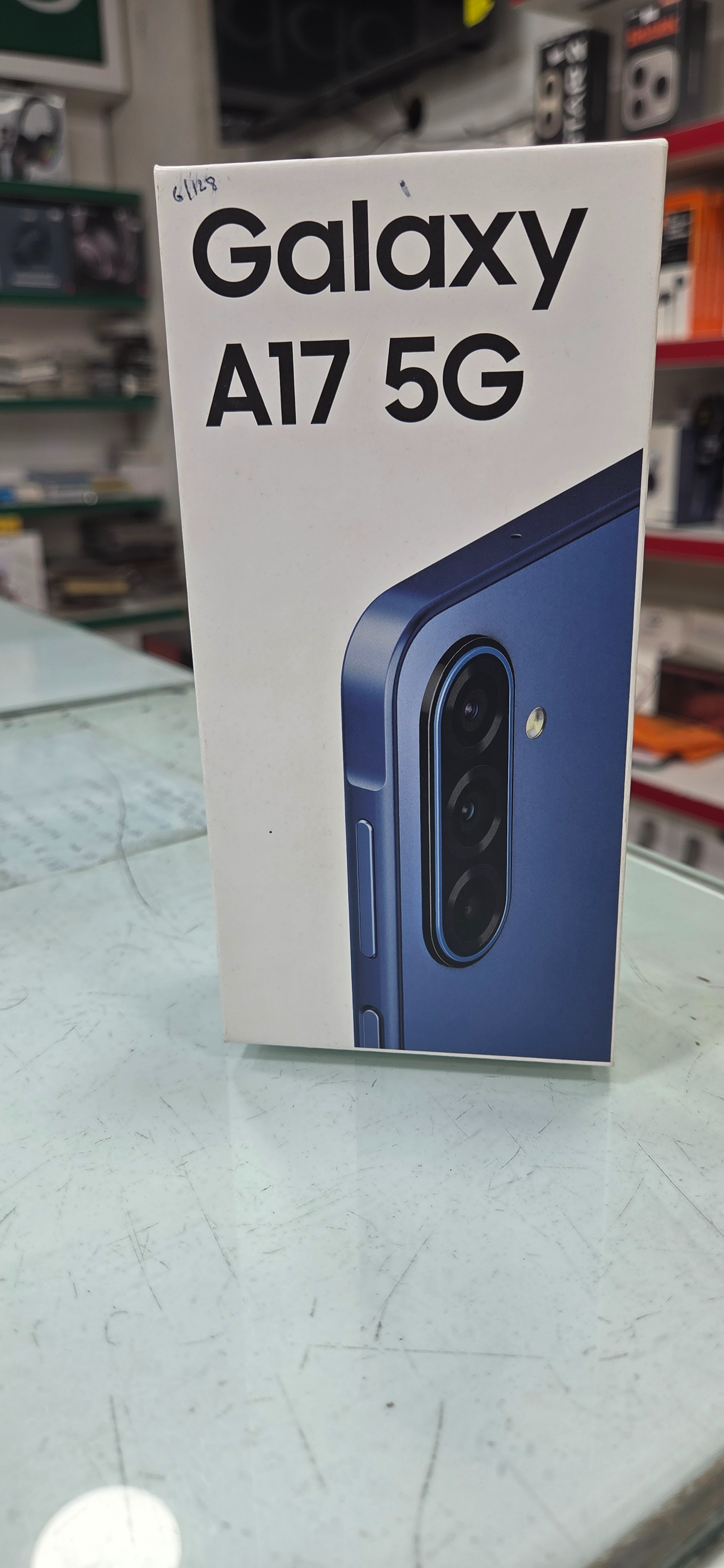
GALAXY A17 5G
Experience lightning-fast connectivity with the GALAXY A17 5G, a sleek and powerful smartphone that offers advanced features at an affordable price.
₹19,499
Product Details
The GALAXY A17 5G is designed to provide users of all ages with a seamless and efficient mobile experience. With 5G connectivity, you can enjoy high-speed internet browsing, smooth video streaming, and lag-free online gaming. The vibrant 6.5-inch display offers crisp visuals for multimedia consumption, while the powerful processor ensures smooth performance for multitasking and gaming. Whether you're capturing memories with the impressive camera system or staying connected with loved ones, the GALAXY A17 5G is your reliable companion on the go.
Features & Benefits
- 5G connectivity for lightning-fast internet speeds
- 6.5-inch vibrant display for immersive viewing
- Powerful processor for smooth performance
- Impressive camera system for capturing memories in high resolution
The GALAXY A17 5G ensures that users of all ages can stay connected, entertained, and productive on the go. From seamless internet browsing and lag-free gaming to high-quality media consumption and stunning photography, this smartphone offers a wide range of benefits that cater to different user preferences and needs. Whether you're a student, working professional, or tech-savvy enthusiast, the GALAXY A17 5G is designed to enhance your mobile experience and simplify your daily life.
- 6.5-inch vibrant display for immersive viewing
- Powerful processor for smooth performance
- Impressive camera system for capturing memories in high resolution
The GALAXY A17 5G ensures that users of all ages can stay connected, entertained, and productive on the go. From seamless internet browsing and lag-free gaming to high-quality media consumption and stunning photography, this smartphone offers a wide range of benefits that cater to different user preferences and needs. Whether you're a student, working professional, or tech-savvy enthusiast, the GALAXY A17 5G is designed to enhance your mobile experience and simplify your daily life.
How to Use
1. Insert your SIM card into the designated slot.
2. Power on the GALAXY A17 5G by pressing the power button.
3. Follow the on-screen setup instructions to configure your device.
4. Customize your settings, download your favorite apps, and personalize your home screen.
5. Explore the various features and functionalities of the GALAXY A17 5G, including its camera, internet connectivity, and performance capabilities.
6. Remember to regularly update your device, back up your data, and follow recommended maintenance practices for optimal performance.
2. Power on the GALAXY A17 5G by pressing the power button.
3. Follow the on-screen setup instructions to configure your device.
4. Customize your settings, download your favorite apps, and personalize your home screen.
5. Explore the various features and functionalities of the GALAXY A17 5G, including its camera, internet connectivity, and performance capabilities.
6. Remember to regularly update your device, back up your data, and follow recommended maintenance practices for optimal performance.


 Select Date
 08:00 AM - 08:30 AM, Thursday, Nov 24, 2024
 Indian Standard Time
 Shahanab