1. Insert your SIM card into the smartphone and power it on.
2. Follow the on-screen instructions to set up your device.
3. Customize your settings, add your accounts, and download your favorite apps.
4. To take photos, simply open the camera app and press the shutter button.
5. To optimize battery life, adjust your display settings and close background apps when not in use.
6. Remember to regularly update your device's software for the best performance and security.
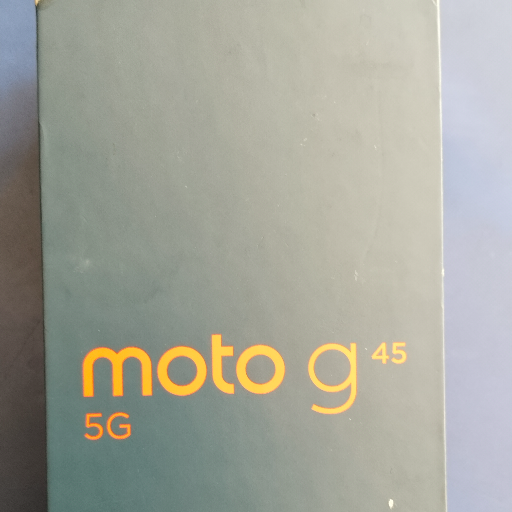
Keywords: Motorola g45, 8GB RAM, 128GB storage, smartphone, Qualcomm Snapdragon, triple camera system, Android.
 Select Date


 Facebook
 Instagram
 Twitter
 Linkedin
 08:00 AM - 08:30 AM, Thursday, Nov 24, 2024
 Indian Standard Time
 Shahanab