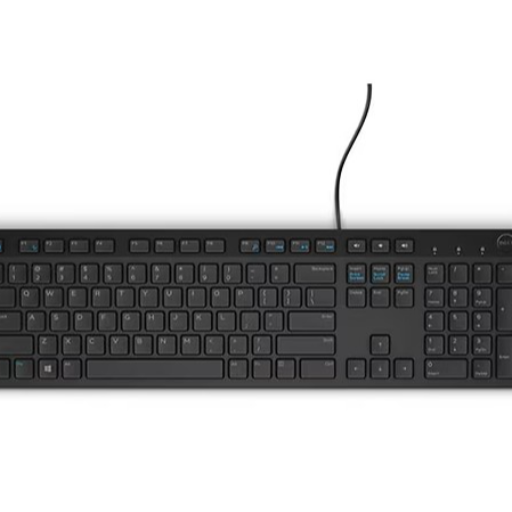
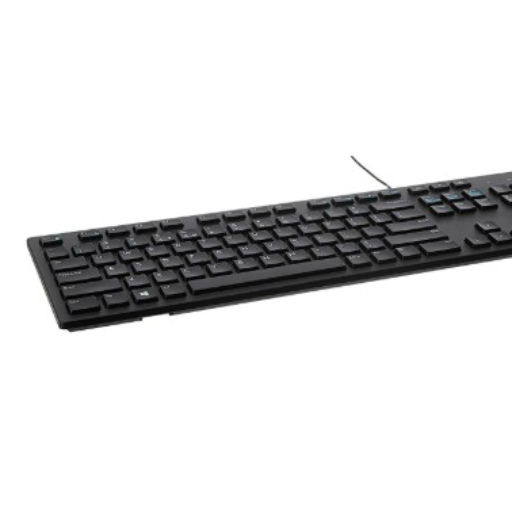
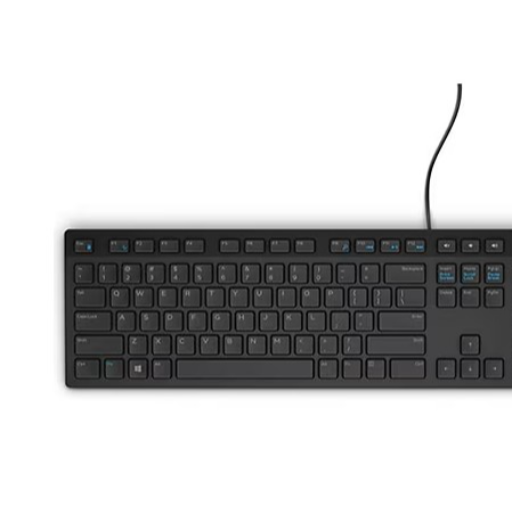
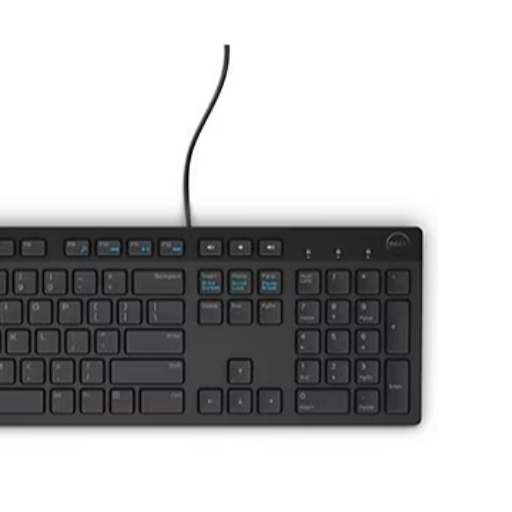
Dell KB216 Multimedia Keyboard Spill-Resistant USB Chiclet
Dell KB216 USB Multimedia Keyboard with chiclet keys, media controls, and spill resistance. Available at Dhanbad’s leading computer store.
₹550
Product Details
The Dell KB216 USB Multimedia Keyboard is a stylish, full-size keyboard designed for comfortable everyday typing at home or office. Its chiclet-style keys offer quiet, responsive keystrokes, while dedicated hotkeys give quick access to volume and media controls and common functions. A spill-resistant design adds extra protection against accidental liquid splashes, making it practical for busy workspaces and family desks. Simply plug the USB cable into your desktop or laptop and start working instantly, without installing drivers or extra software. This keyboard is ideal for students, professionals, gamers, and home users seeking reliability, durability, and value. Available from Dhanbad’s trusted tech retailer at ABHILASHA TOWER NEAR BANK OF INDIA S M E BRANCH, HIRAPUR, Jharkhand, 826001 for convenient purchase and support.
Features & Benefits
Chiclet keys for quiet, comfortable and accurate typing
Spill-resistant design protects against minor liquid accidents
Dedicated hotkeys for quick media and volume control
Full-size layout with number pad for productivity tasks
Reliable wired USB connection, no drivers required
Durable build quality suitable for daily office use
Spill-resistant design protects against minor liquid accidents
Dedicated hotkeys for quick media and volume control
Full-size layout with number pad for productivity tasks
Reliable wired USB connection, no drivers required
Durable build quality suitable for daily office use
How to Use
Connect the Dell KB216 keyboard’s USB cable to an available USB port on your desktop or laptop. Wait a few seconds for automatic recognition. Adjust the keyboard position and tilt for comfortable typing. Use the hotkeys for volume and media control. Clean gently with a soft, dry cloth.
Yes, the Dell KB216 USB multimedia keyboard is ideal for everyday office use. Its chiclet keys offer quiet, comfortable typing, and the full-size layout with number pad supports spreadsheets and data entry. The spill-resistant design and durable build make it reliable for long working hours.
The Dell KB216 USB multimedia keyboard works with most laptops that have a standard USB port. Simply plug the USB connector into the laptop and it usually installs automatically without extra drivers. It’s a good option if you want a full-size keyboard and number pad for comfortable typing.
Chiclet keys on the Dell KB216 USB multimedia keyboard provide a low-profile, flat key design that helps reduce typing noise and improves comfort. The spacing between keys can reduce accidental presses, making it easier to type accurately during long sessions, whether for office work, study, or browsing.
The Dell KB216 USB multimedia keyboard includes a spill-resistant design that helps protect against minor accidental spills, such as a few drops of water or tea. While it offers added safety for everyday use, it is not fully waterproof, so you should still avoid heavy liquid exposure or immersion.
In most cases you do not need separate drivers to use the Dell KB216 USB multimedia keyboard. Just plug the USB connector into your computer and the operating system detects it automatically. Standard functions and hotkeys typically work immediately on Windows desktops and laptops without extra software.


 Select Date