
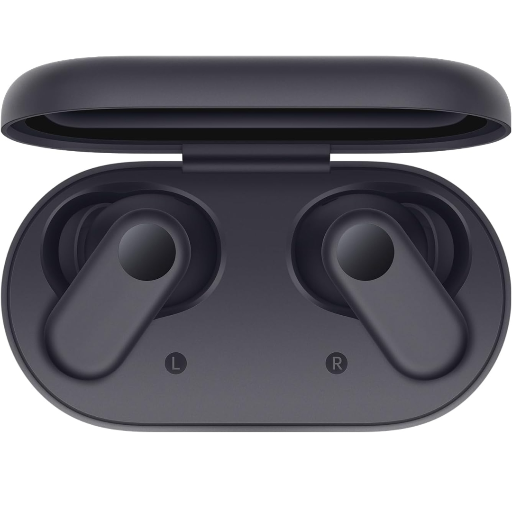
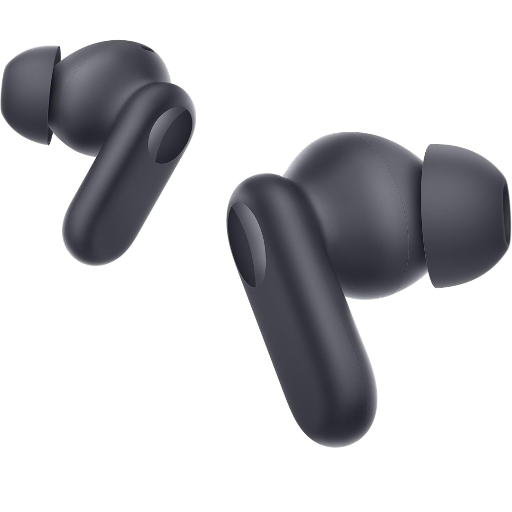
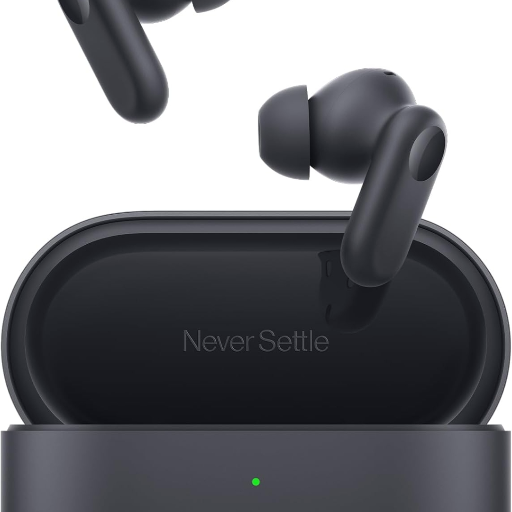
OnePlus Nord Buds 2R - Deep Grey
Experience exceptional sound quality with the OnePlus Nord Buds 2R. These Deep Grey true wireless earbuds offer comfort, long battery life, and easy connectivity for an immersive audio experience. Perfect for music lovers and on-the-go users.
₹1,700
Product Details
The OnePlus Nord Buds 2R is designed for audio enthusiasts who crave quality and convenience. Featuring a true wireless design, these earbuds ensure comfortable in-ear placement and are available in sleek Deep Grey. Equipped with a powerful battery that lasts all day, you can enjoy uninterrupted listening. Located at C O TECH HUB A 7U G VIRGO COMPLEX SANTRAM ROAD NADIAD NADIAD, discover these incredible earbuds today.
Features & Benefits
- True wireless design for hassle-free use
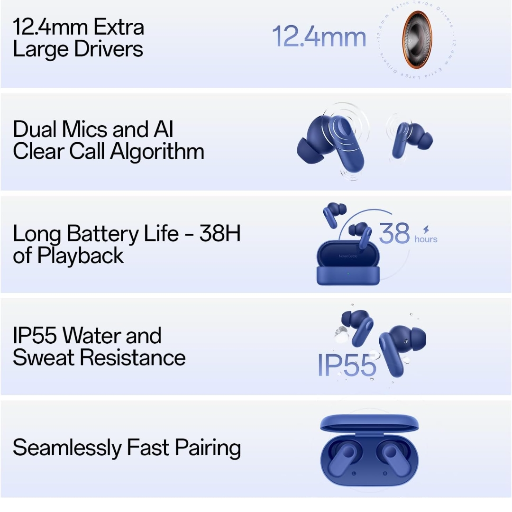
- Enhanced sound quality with deep bass
- Long-lasting battery life for extended playtime
- Sleek and ergonomic in-ear placement
- Easy pairing with multiple devices
How to Use
1. Take the earbuds out of the case. 2. Activate Bluetooth on your device. 3. Select 'OnePlus Nord Buds 2R' from the list. 4. Adjust the volume and enjoy your music. 5. Store them back in the case when not in use.
The OnePlus Nord Buds 3 offer more advanced features like enhanced sound and improved noise cancellation, making them a better option for audiophiles. However, the 2R provides excellent performance at a lower price point.
The OnePlus Nord Buds 2R features low latency, providing a seamless experience for watching videos and gaming. The latency is around 50ms, ensuring swift audio delivery with minimal delay.
To reset your OnePlus Nord Buds 2R, place them in the charging case. Press and hold the touch sensors on both earbuds for about 10 seconds until the LED flashes. They are now reset and ready to pair again.
To pair the OnePlus Nord Buds 2R, open the charging case and take out the earbuds. Ensure your Bluetooth is on, and select 'OnePlus Nord Buds 2R' from the Bluetooth menu on your device to connect.
For the best audio experience with OnePlus Nord Buds 2R, use settings that boost the bass and midrange frequencies. Adjust them in your preferred music app to enhance overall sound quality.


 Select Date
 08:00 AM - 08:30 AM, Thursday, Nov 24, 2024
 Indian Standard Time
 Shahanab