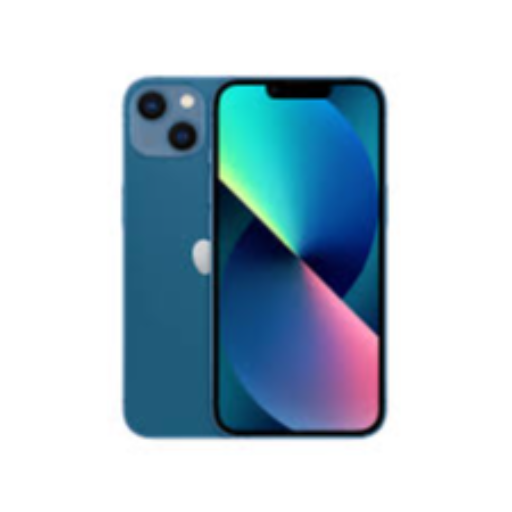
The iPhone 13 features a sleek design, impressive camera capabilities, and powerful performance, making it the perfect choice for tech enthusiasts. Experience seamless multitasking and stunning visuals with this advanced smartphone that is designed to keep you connected and entertained.


 Facebook
 Instagram
 Twitter
 Linkedin
 WhatsApp
 WhatsApp
